A complete frontend-only Philippine cellphone ecommerce demonstration built with HTML5, CSS3 and vanilla JavaScript.
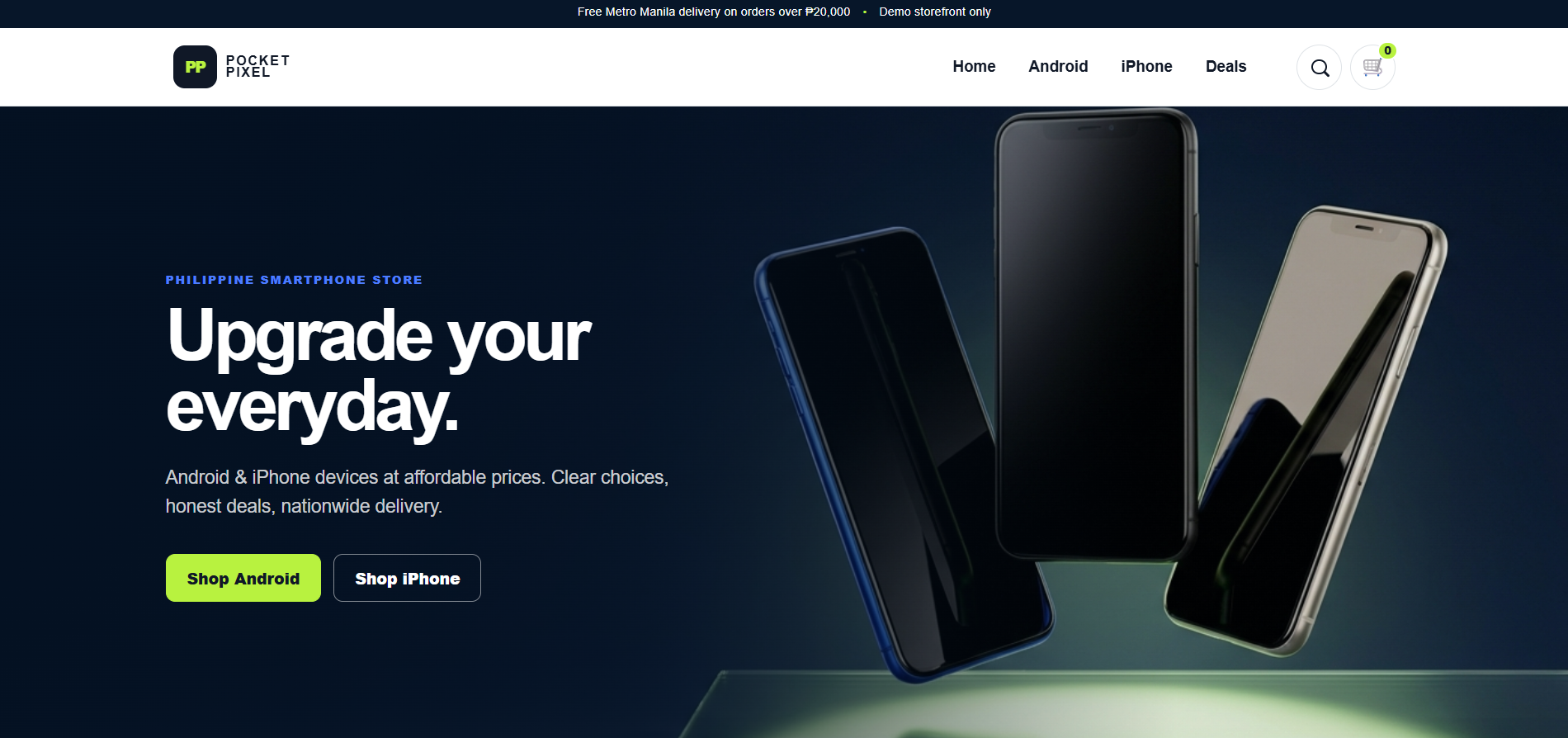
PocketPixel is a frontend-only ecommerce demonstration for a Philippine cellphone store. It covers the full shopping flow a customer expects: browse the product catalogue, add phones to the cart, and place an order — all in the browser.
To run it, open index.html directly, or serve the folder with any static file server. Demo data lives in js/products.js, where products can be added or changed. Product, cart, customer and order state use browser localStorage only, under the keys cellstore_cart, cellstore_orders and cellstore_customer.
No database, backend, authentication, Node.js, PHP, Laravel, React, or payment API is included. The QR code is a static local demonstration image, and payment proof and reference data remain client-side. Actual payment verification and order processing require a secure production backend.
Cellphone listings with product data maintained in js/products.js, so demo products can be added or edited without touching the rest of the code.
Cart state is kept in the browser under the cellstore_cart localStorage key, so the cart survives page reloads without any server session.
Customer details and placed orders are stored client-side in cellstore_customer and cellstore_orders, keeping the whole demo in the browser.
A static local QR image plus client-side payment proof and reference data show the intended payment flow, without pretending to verify real transactions.
Built with HTML5, CSS3 and vanilla JavaScript only — no framework, no build step, and no backend of any kind.
Runs from a local file or any static file server, and is deployed as a live demonstration on Vercel.