A classic 2D fighting game developed in Visual Basic .NET featuring single-player and two-player modes. This client project showcases their custom game design brought to life as a Windows desktop application with engaging combat mechanics, sound effects, and adjustable audio settings.
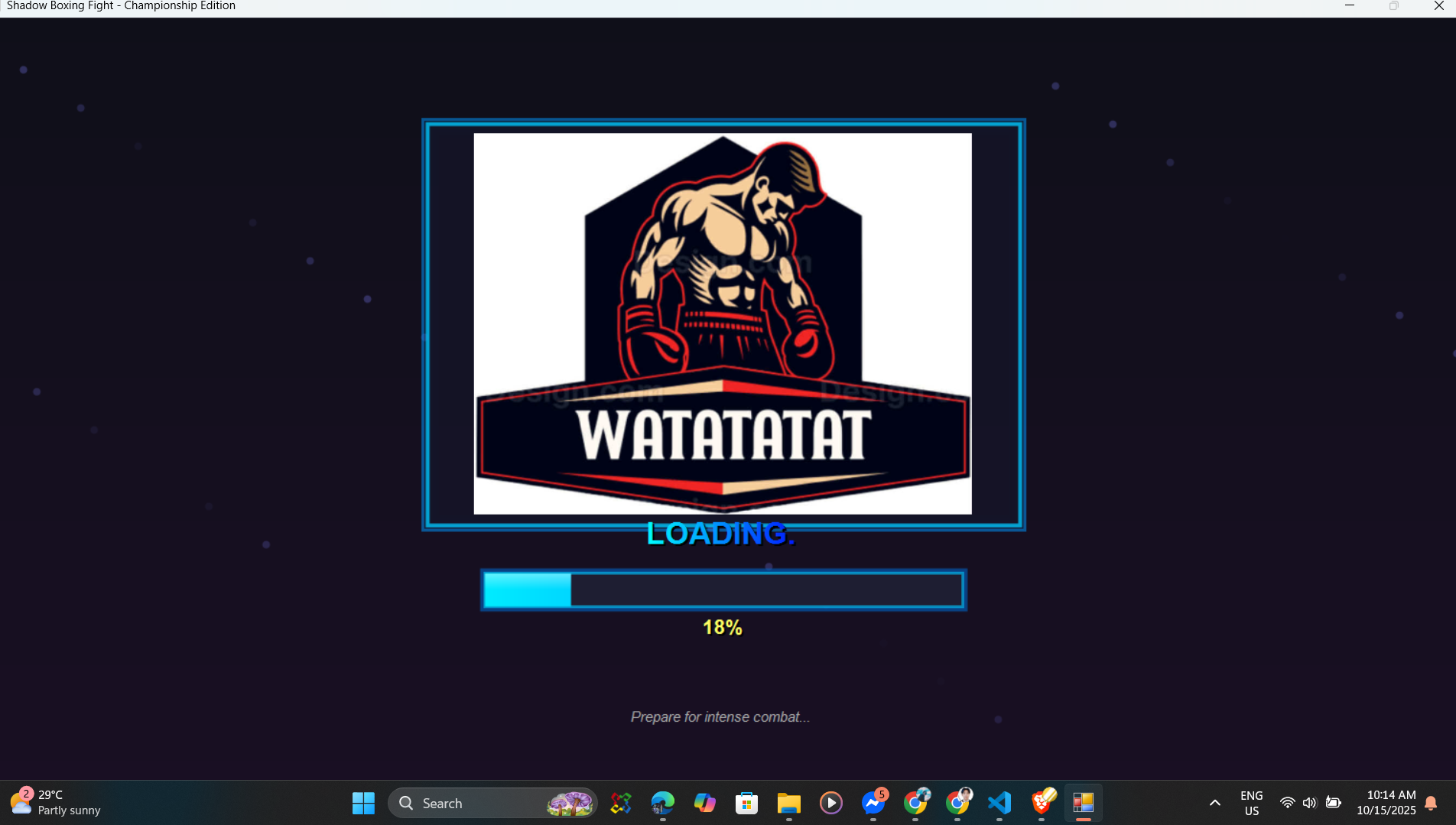
Shadow Fight Game is a client-commissioned Windows desktop application where they provided the initial game concept and design requirements. My role was to transform their vision into a fully functional fighting game by implementing the complete game logic, mechanics, and user interface using Visual Basic .NET.
The game features classic 2D side-scrolling combat mechanics with support for both single-player mode (player vs computer AI) and two-player mode (player vs player). Players can execute various moves including punches, kicks, special attacks, and defensive maneuvers. The AI opponent in single-player mode provides challenging gameplay with adaptive difficulty.
Built with Visual Basic .NET using Windows Forms for the graphical interface and GDI+ for sprite rendering and animations. The application includes a comprehensive settings menu allowing players to adjust sound effects volume, background music volume, and game difficulty. The game is compiled as a standalone Windows executable (.exe) that runs on Windows XP, Vista, 7, 8, and 10 systems without requiring additional runtime dependencies.
Battle against an intelligent computer AI opponent with adaptive difficulty that responds to player strategies.
Local multiplayer support allowing two players to compete against each other on the same computer using different keyboard controls.
Execute various fighting moves including light punches, heavy punches, kicks, combos, and special attacks with smooth animations.
Block incoming attacks, dodge, and counter enemy moves with precise timing-based defensive mechanics.
Real-time health tracking with visual health bars, damage indicators, and knockout animations when health reaches zero.
Smart computer opponent with decision-making algorithms that attack, defend, and react based on player actions.
Immersive audio feedback for punches, kicks, blocks, and special moves with individual volume controls.
Dynamic background music that enhances the gaming experience with separate volume adjustment settings.
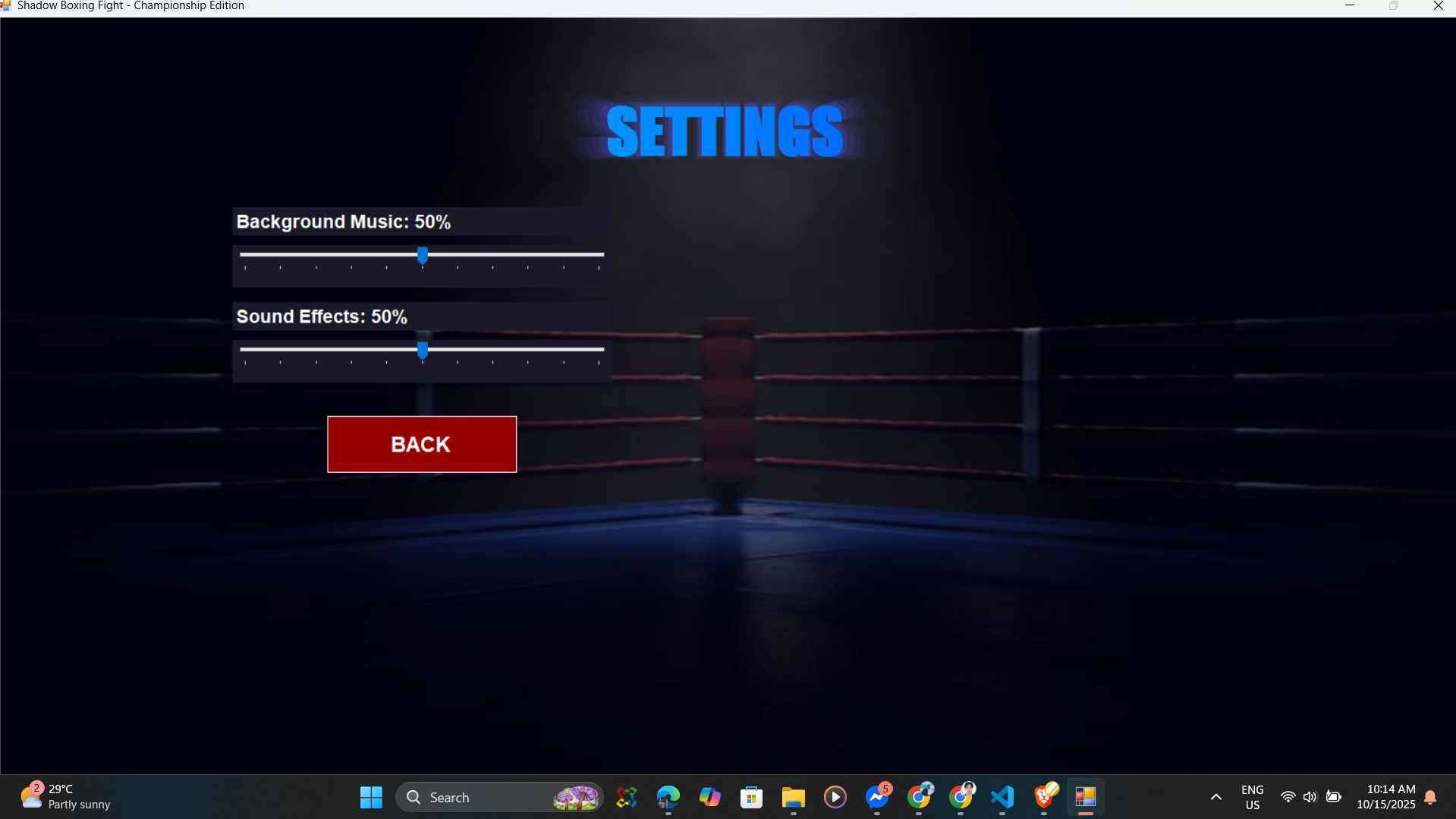
Independent volume controls for sound effects and background music, allowing players to customize their audio experience.
Comprehensive settings interface for adjusting audio levels, game difficulty, and control configurations.
Responsive keyboard input handling with customizable key bindings for both Player 1 and Player 2 in two-player mode.
Smooth sprite-based animations for walking, running, attacking, blocking, and getting hit with frame-perfect timing.
Win conditions with victory screens, knockout animations, and round tracking for best-of-three match formats.
Efficient game loop implementation ensuring smooth 60 FPS gameplay even on older Windows systems.
Hit spark effects, motion blur on attacks, and particle effects for special moves enhancing visual feedback.
Countdown timer for each round with time-based victory conditions if neither player is knocked out.
In-game pause menu allowing players to resume, restart, adjust settings, or exit to the main menu.
Real-time score display showing rounds won, combo counters, and total damage dealt during matches.
Standalone .exe executable compatible with Windows XP, Vista, 7, 8, and 10 without requiring installation.
Well-structured object-oriented code with proper separation of game logic, rendering, and input handling modules.
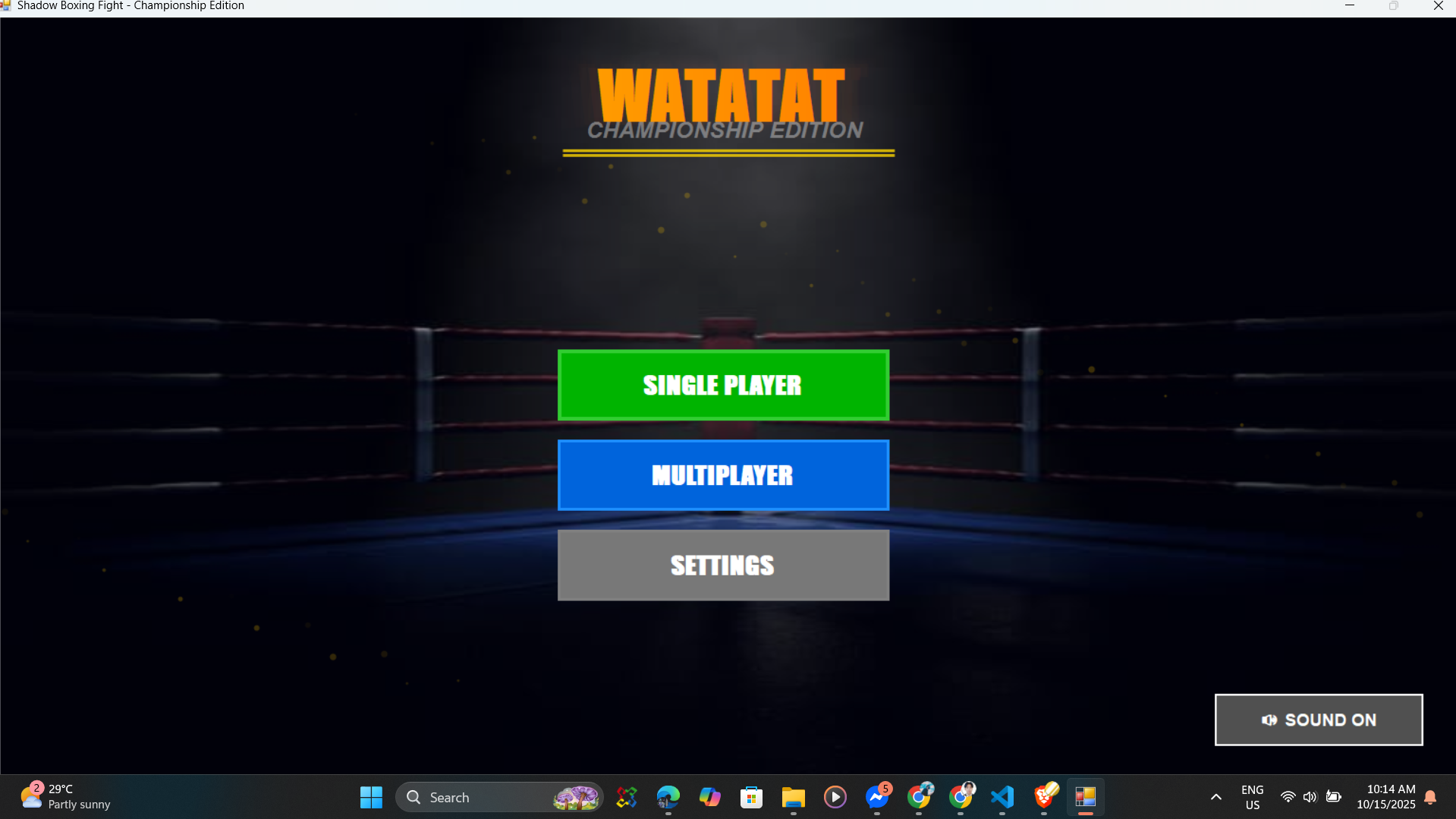
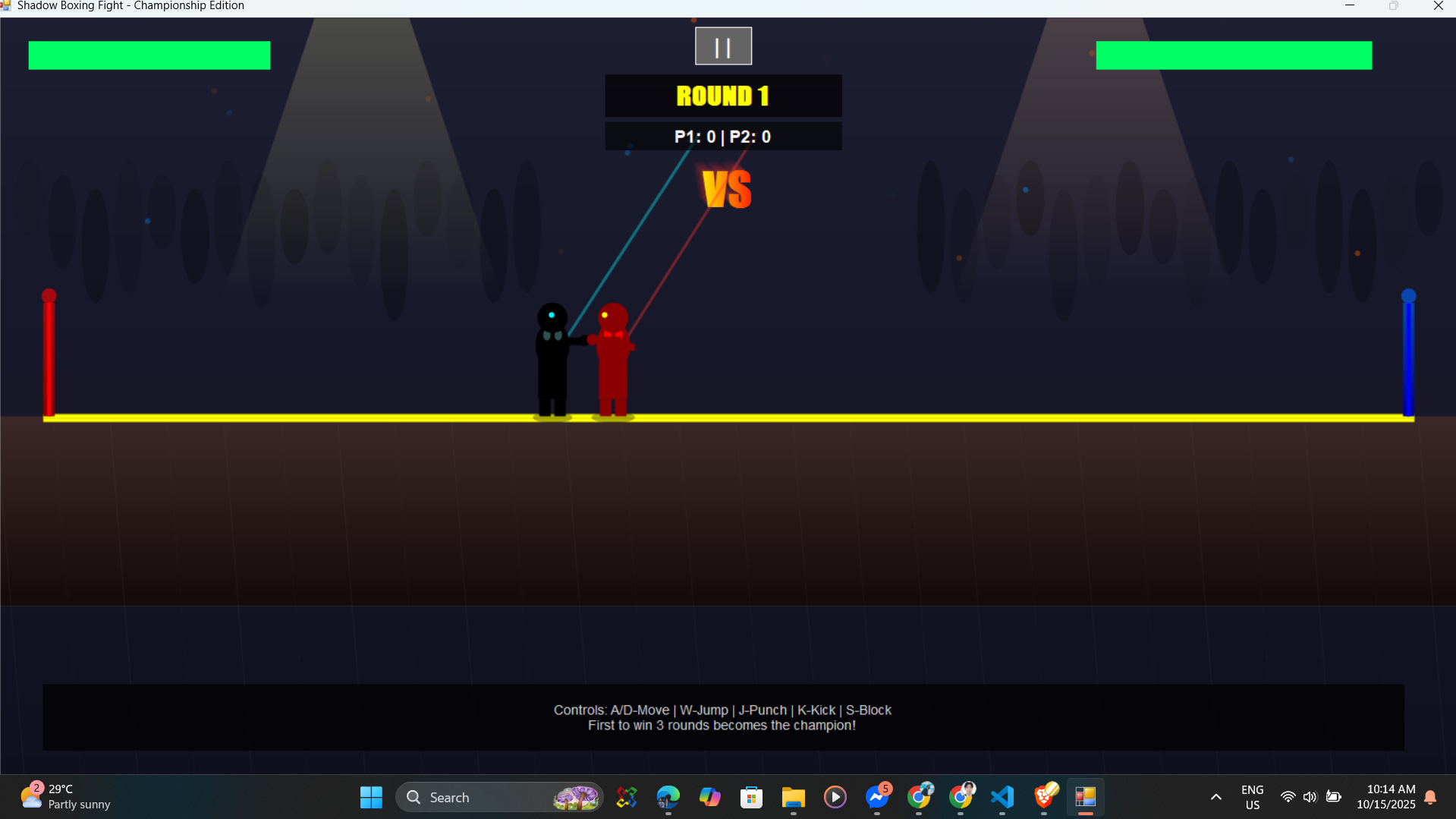
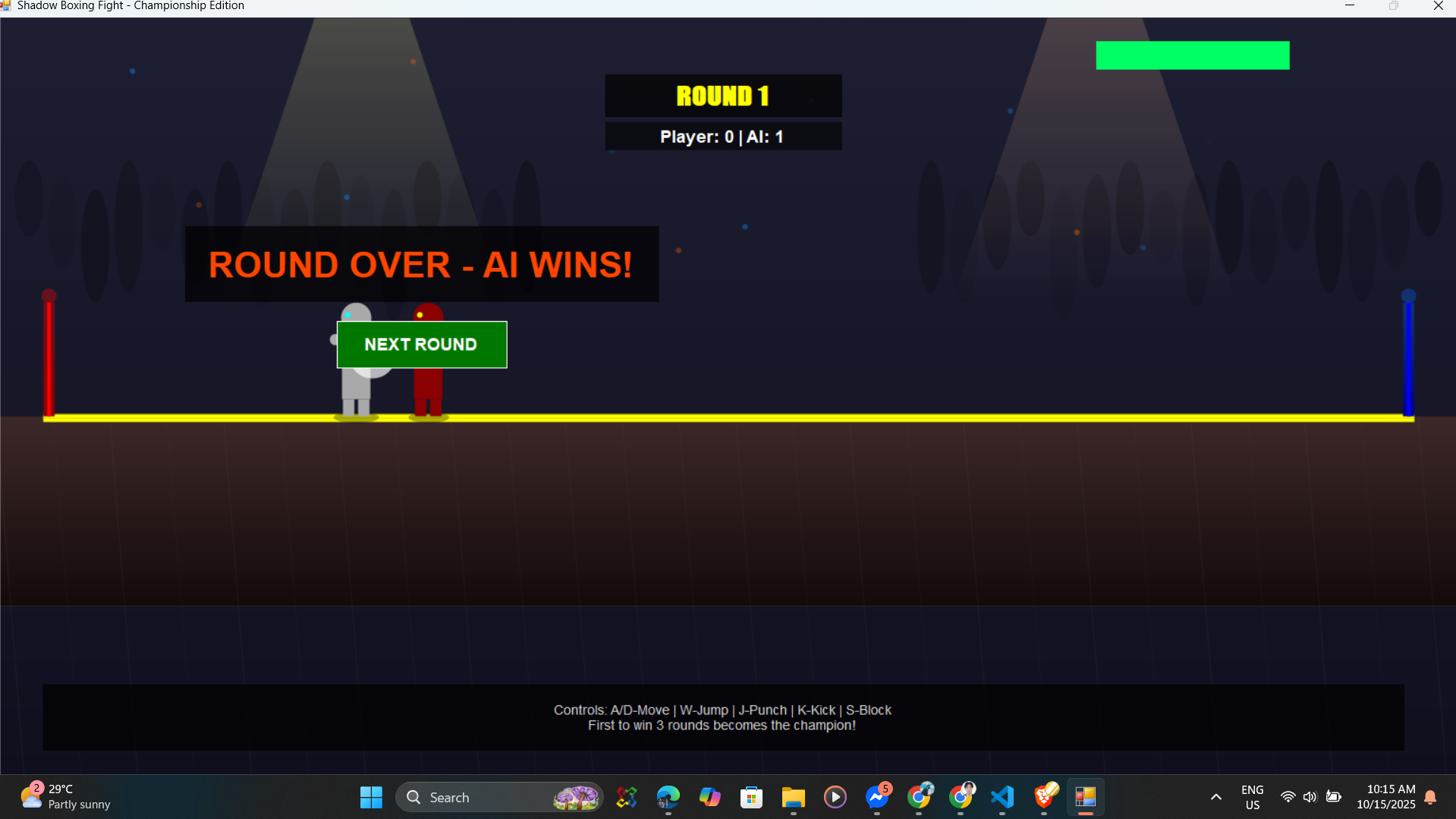
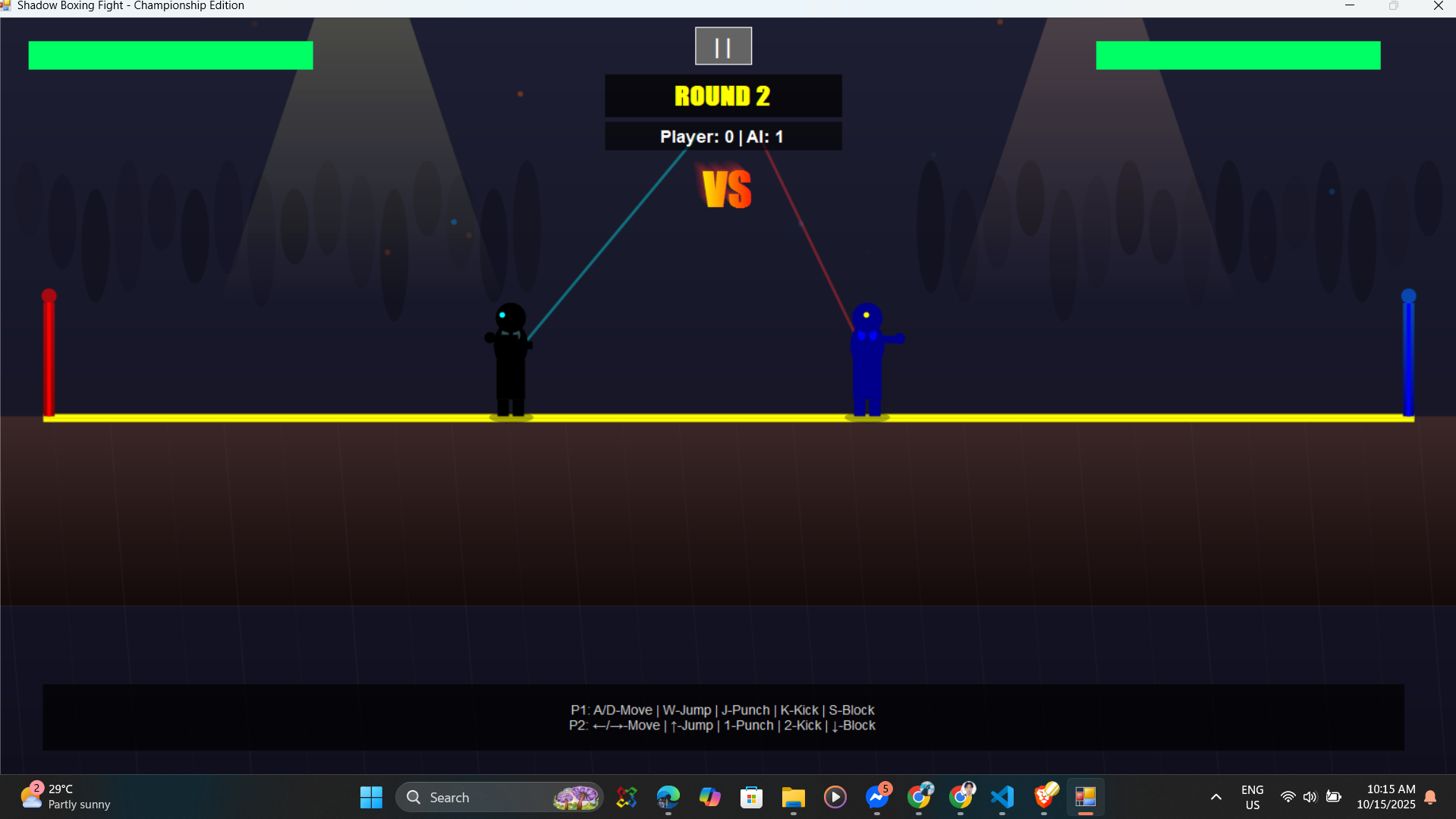
Watch the game in action featuring both single-player and two-player modes
Client confirmation and feedback